No app · just a QR
Your event,through every guest’s eyes.
Guests scan a QR and shoot on their own phones. Every photo lands in one album — revealed together, or live on the big screen.


- No app for guests
- Unlimited guests
- Set up in two minutes
Every part of the day gets its own roll — and its own reveal.
- Ceremony
- Reception
- After party
- Sangeet
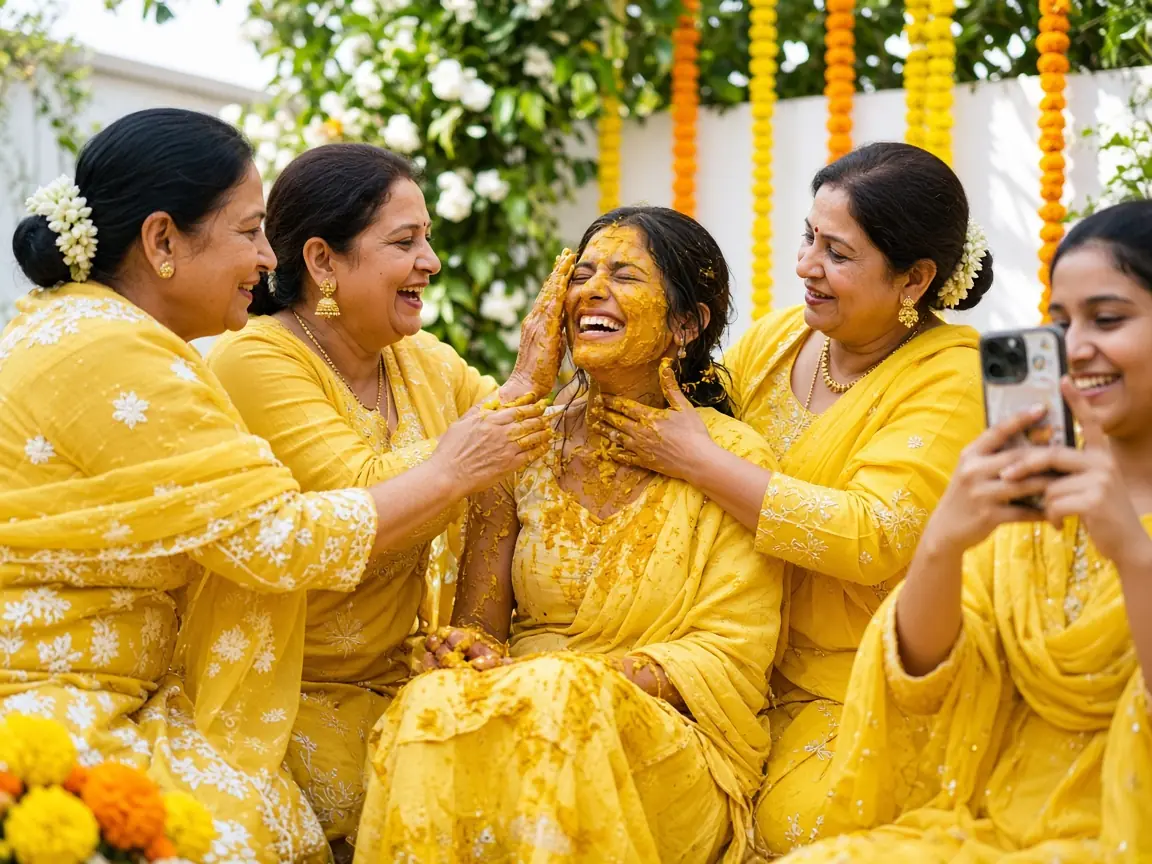
- Haldi
How it works
Scan. Shoot. Reveal.
Like a disposable camera on every table — except nobody has to drop off film.
 1
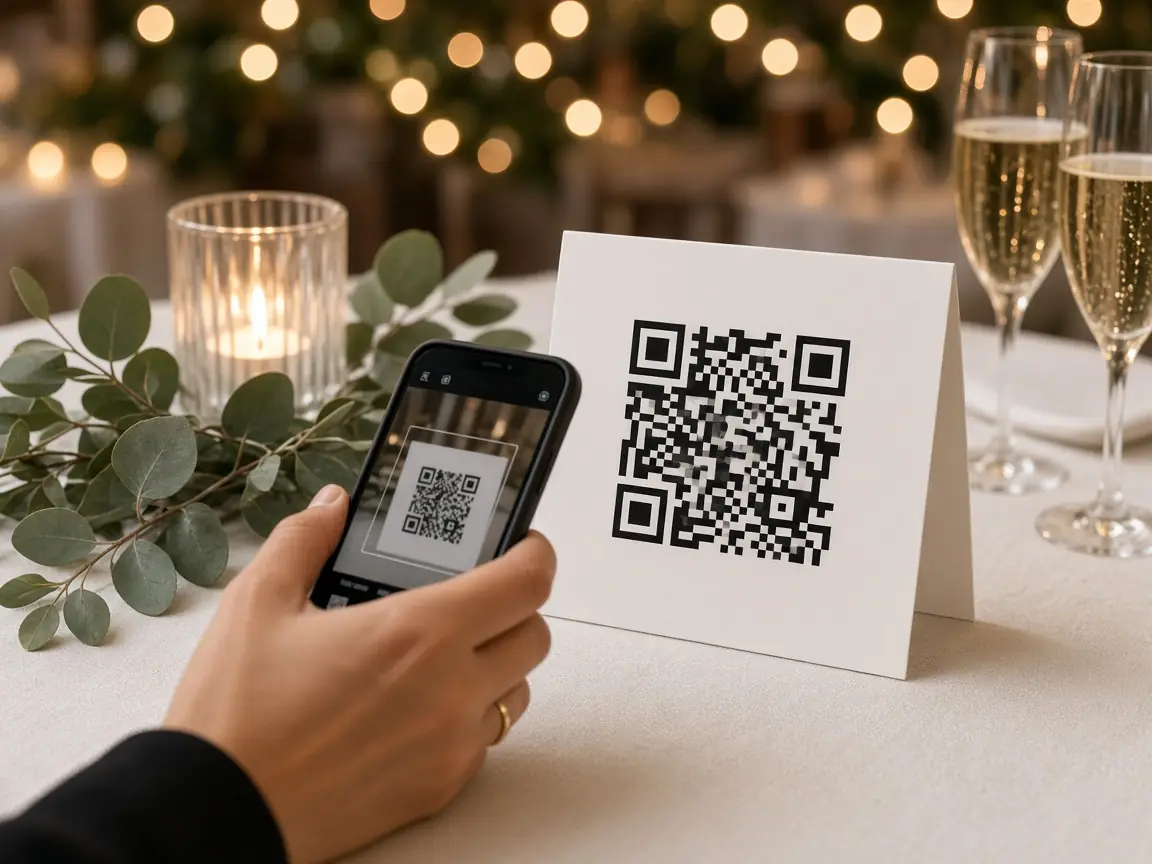
Scan
Put a QR on every table or drop the link in the group chat. It opens in the browser guests already have. No app, no sign-up.
 2
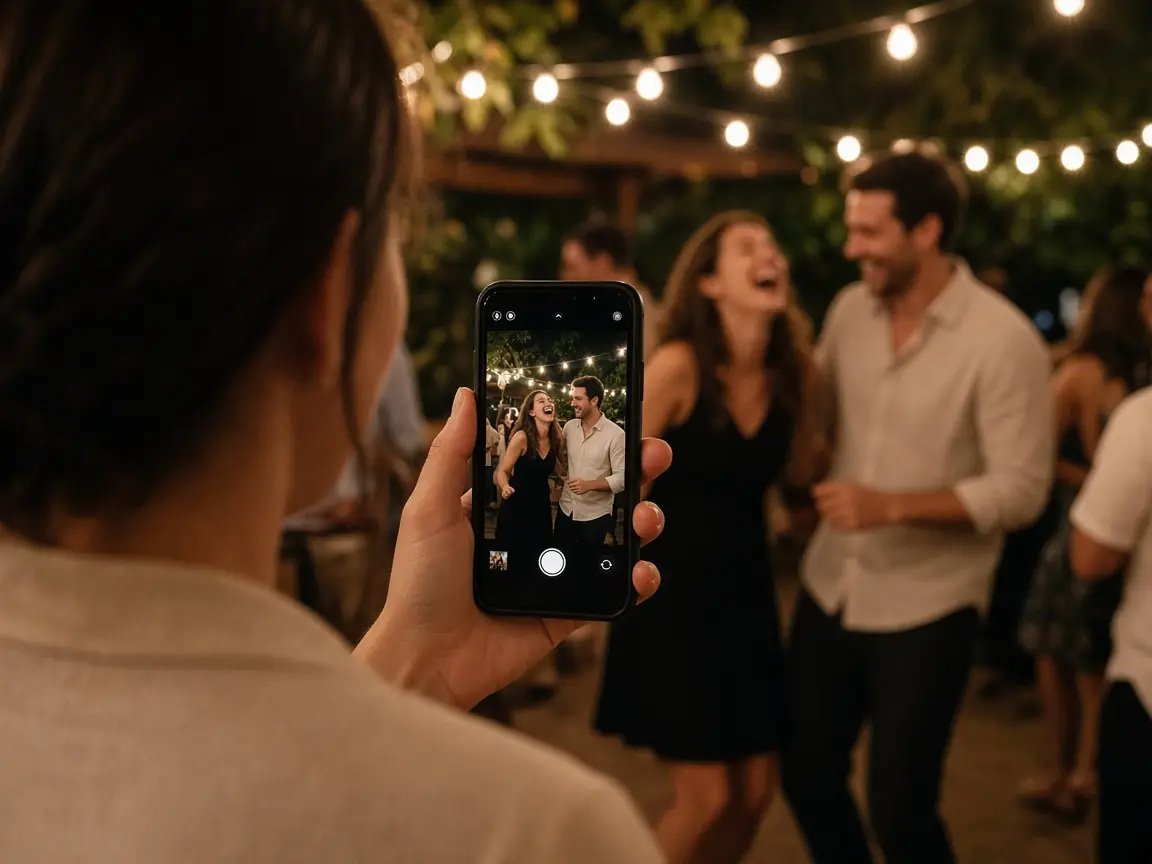
Shoot your 24
Every guest gets a roll for each part of the day — 24 shots, or 12, or 36. No retakes, no scrolling through everyone else’s. Just the moment.

 3
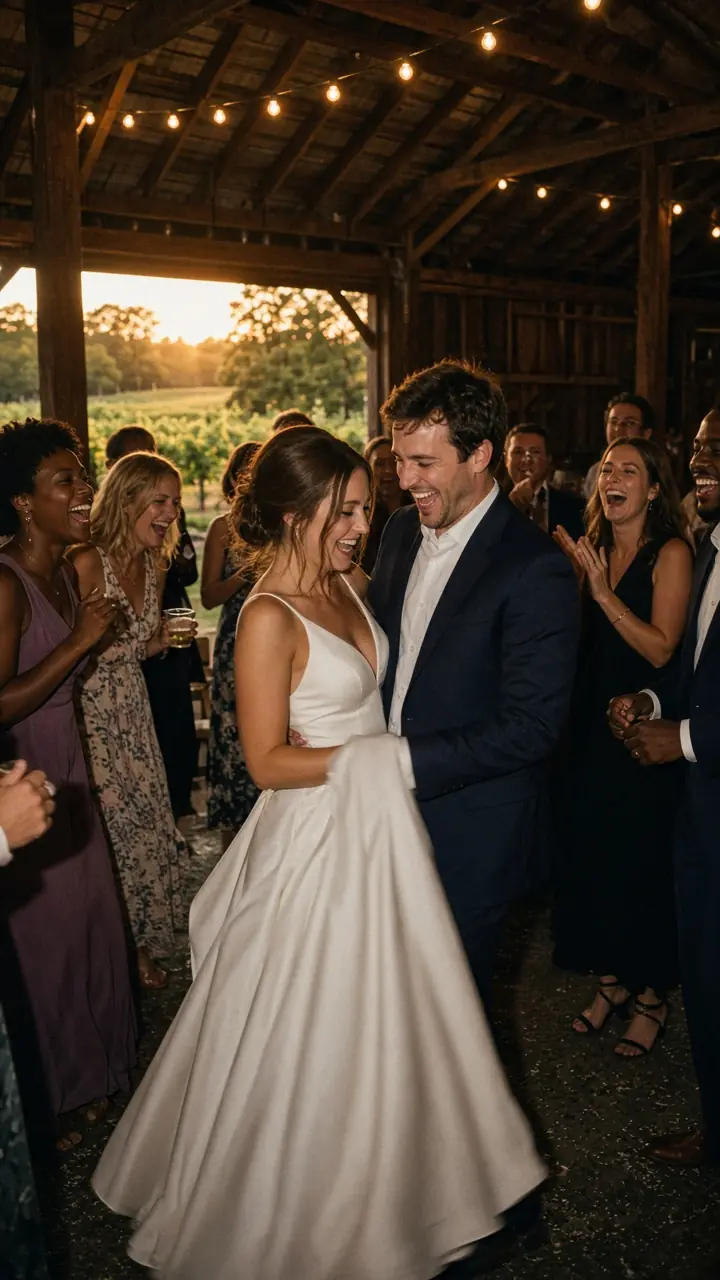
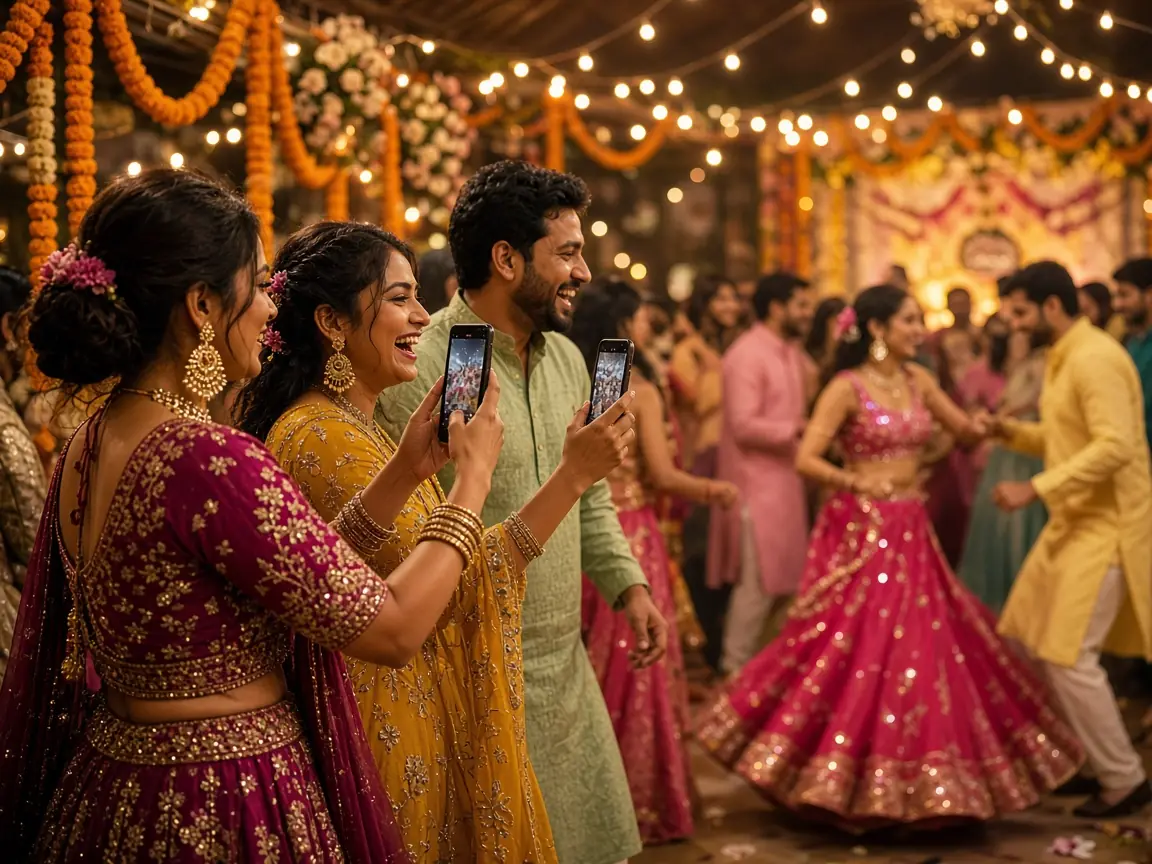
Reveal together
The roll develops when you say: at midnight, the morning after, or a week later. Everyone sees everyone’s photos at once.


Features
Built for the whole celebration, not just the photo booth.

Live on the big screen
No app. Really.
A roll for every function
Their camera roll, too
Private by design

Your photos, your call
Made for
Any party worth remembering.
- WeddingsCeremony to last dance, from every seat.
- Multi-day weddingsHaldi, Mehendi, Sangeet — a roll for each.
 BirthdaysEvery friend, every toast.
- New Year’s & partiesThe countdown, from every corner.
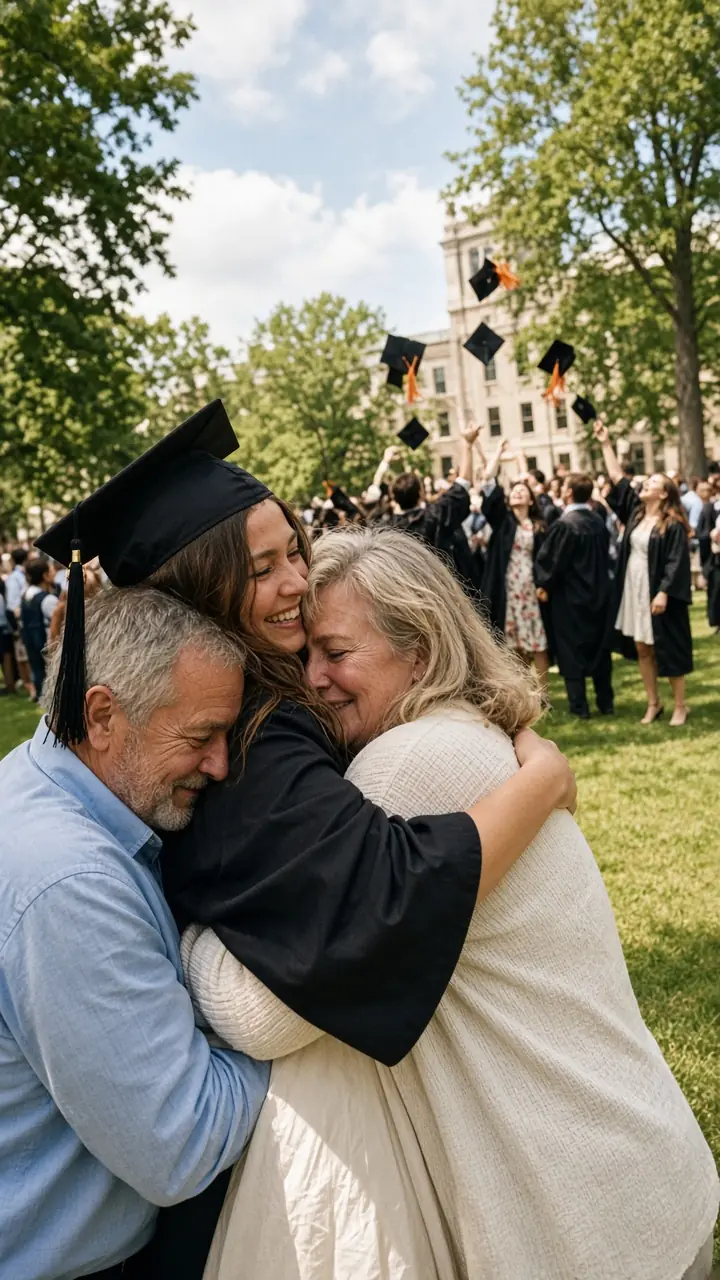
- GraduationsThe whole family’s view of the day.
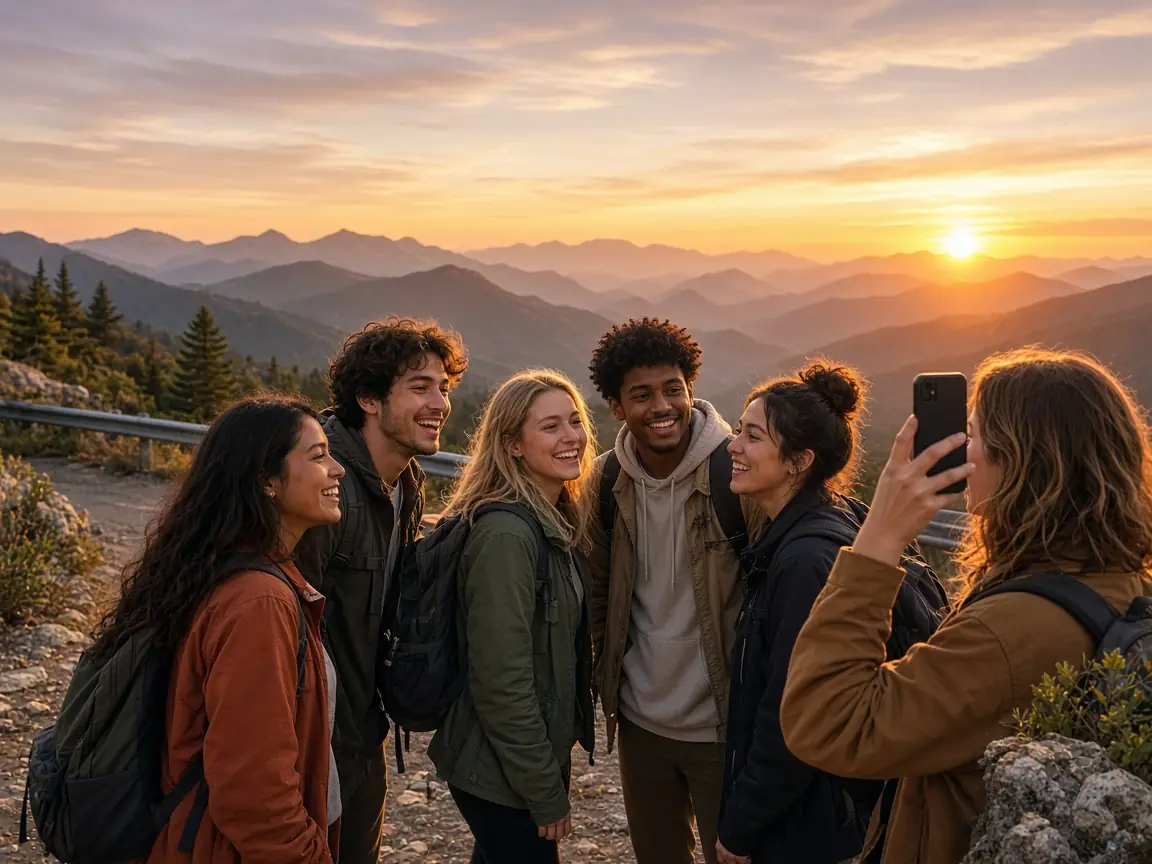
- TripsOne roll for the whole crew.
 House partiesThe night, unfiltered.
 Offsites & launchesYour team, unposed.


Pricing
Unlimited guests. Free.
A camera should never make you trim the guest list. only.camera is free while in beta — invite everyone.
- The bill climbs with every name you add
- Tiers that cap guests or photos
- You end up rationing who gets the link
- Unlimited guests on every event
- A roll for every function
- Live screen and swipe-to-approve included
- Download everything as one zip
FAQ
Good questions.
Do guests need to download an app?
No. Guests scan the QR code or tap the link and the camera opens in their phone’s browser — Safari, Chrome, anything modern. They type their name once and start shooting.
Is it really free?
Yes. only.camera is free while in beta, with unlimited guests. If that ever changes, we’ll tell you well in advance.
How does the reveal work?
You set a reveal time for each roll. Until then, guests only see their own shots (or, in Classic mode, blurred negatives). At the reveal, the roll develops for everyone at once.
Can I have a roll for each function?
That’s the point. The ceremony, the reception, the after party — every function of a multi-day wedding, like Haldi, Mehendi and Sangeet — or simply “Dinner” and “Dancing”. Each roll gets its own shot count and reveal time.
How does the live screen work?
Open the live screen on a TV or projector at the venue. New photos land in your approval queue: swipe right to show one on the screen, left to keep it private. Or turn on auto-approve.
Who can see the photos?
Only people with your event link. Event pages are private and never indexed by search engines. Guests can request that a photo be removed, and you decide.
Do you use face recognition?
Never. We don’t scan faces, and we strip location data from every photo.
Can I download everything?
Yes — every roll and every upload, as one zip, any time. Bring-your-own cloud storage (Google Drive, S3) is coming soon.

Hand out the camera. They’re already holding it.
Set up in two minutes. One roll or five, ten guests or five hundred.
Create your event — free